Your slab in their own kitchen
Visitors see your slab in their own kitchen. To keep the render, they become your lead.
- Swap slabs while on the call
- Only slabs from your catalogue
- Verified email on every lead
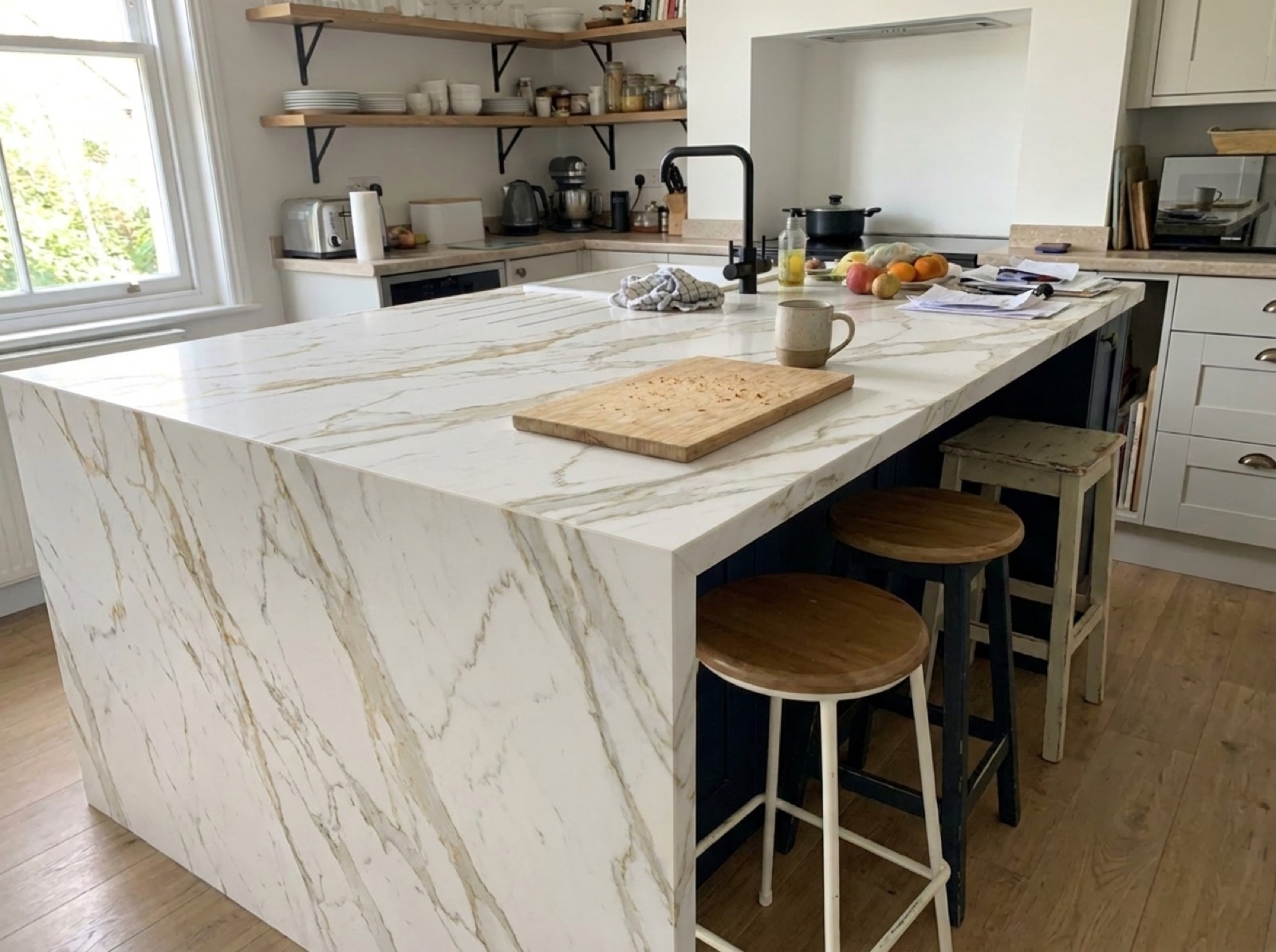
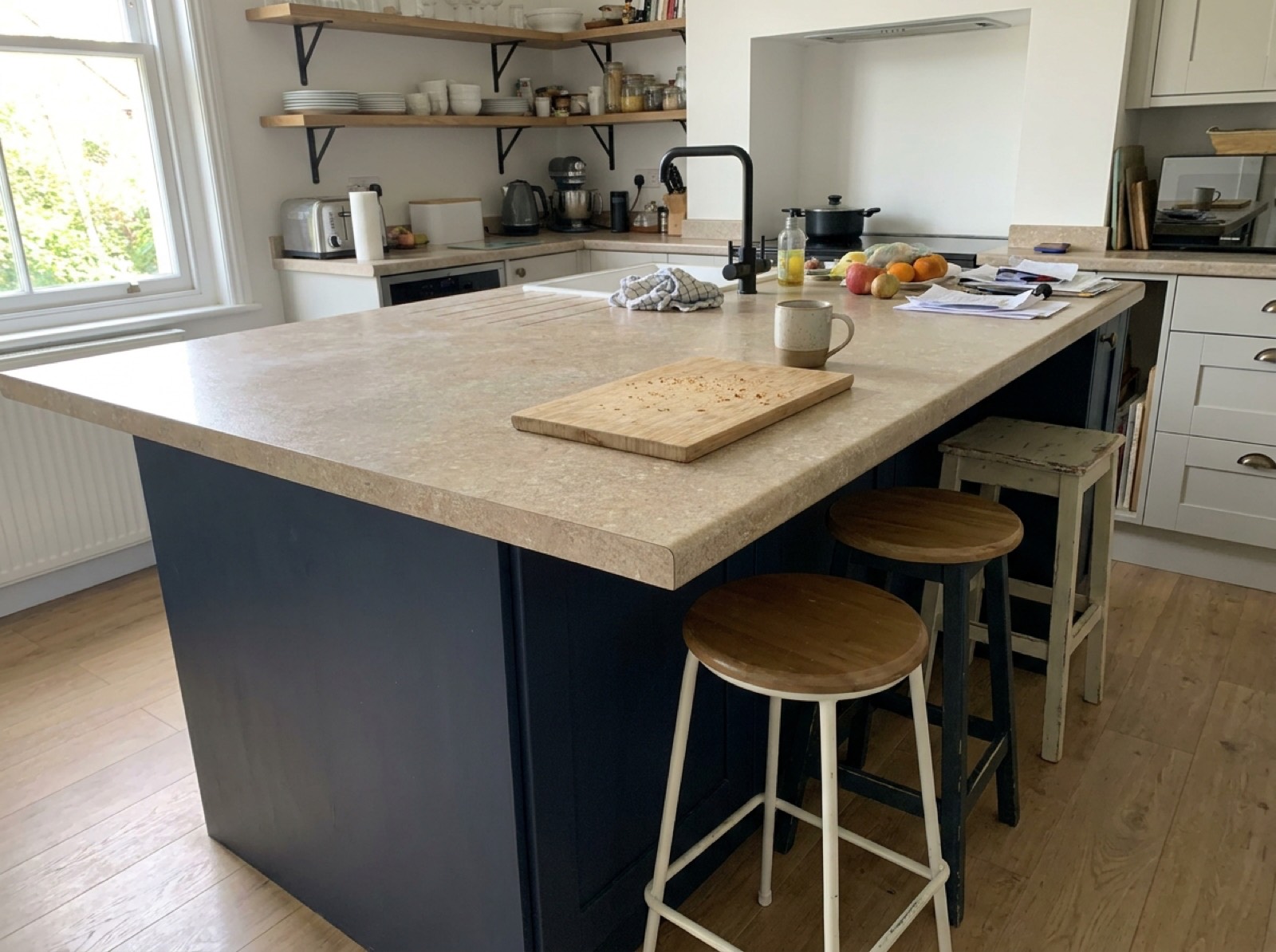
Try the live studio
This is the working studio. Open it and render a photo of your own room.
Swap the slab in a real kitchen while the client is on the call.
Who this is for
- Built for
- Fabricators, quartz and granite suppliers, and kitchen studios.
- The problem it solves
- Choosing a slab means a yard visit. Most buyers will not make the drive twice, so you get one shot at the pick.
From catalogue to leads
Add your countertops catalogue, put the studio on your site, and leads arrive.
- 01
Add your catalogue
Load your products, finishes and sizes. Every render stays inside what you sell.
- 02
Go live under your brand
Your logo, your colours, your domain. Embed it on your site or send it as a link.
- 03
Visitors render their own room
They upload a photo, pick a product and verify an email to keep the render.
- 04
Your team follows up
Each lead arrives with the render and what they asked for. Call the ones who are ready.
The lead is the product
Anyone can add a render button. What pays is what happens after the render.
Your brand, not ours
Logo, type, colour and domain are settings. Nothing says Showhouse unless you want it to.
Verified email on every lead
Visitors verify their email to keep the render, so every address is real.
Your products in every render
Visitors pick from your catalogue, and the render shows that exact product.
Lead and funnel dashboard
See every render and every drop-off. Learn which styles sell and which never do.
Multi-model rendering
Several image providers sit behind one interface, so quality improves without a rebuild.
Cost controls built in
Rate limits and usage tracking keep your render spend predictable.
The questions we always get
Does it render our actual products, or generic lookalikes?
Yours. Renders stay inside the products, finishes and sizes in your catalogue. If a visitor likes a render, you can quote it and make it.
What does it cost?
The Studio plan is $349 a month for 500 renders, a white-label studio, lead capture and your catalogue, and you can start it yourself from the pricing page. Larger rollouts across several brands or catalogues are quoted after a demo.
Do we need to replace our website?
No. It embeds in the site you already have, or runs on a subdomain of yours. Either way it wears your brand.
Who owns the leads and the images?
You do. It is your studio and your data.
How long until it's live?
On the Studio plan, as soon as checkout clears. Custom rollouts take a few weeks, mostly catalogue prep.
What is an AI countertop visualiser?
Spelt visualizer in US English, it is a studio on your site where a visitor photographs a kitchen and sees your slab on the worktop or island.
Can we use it during a sales call?
Yes. Share the studio link, have the client send a photo of the kitchen, and swap slabs while you talk.
See it with your own catalogue
Tell us what you sell. We demo it with your products already loaded.
marta.silva@example.comverified
“Waterfall island in calacatta quartz, veining carried over both ends”